 .
.
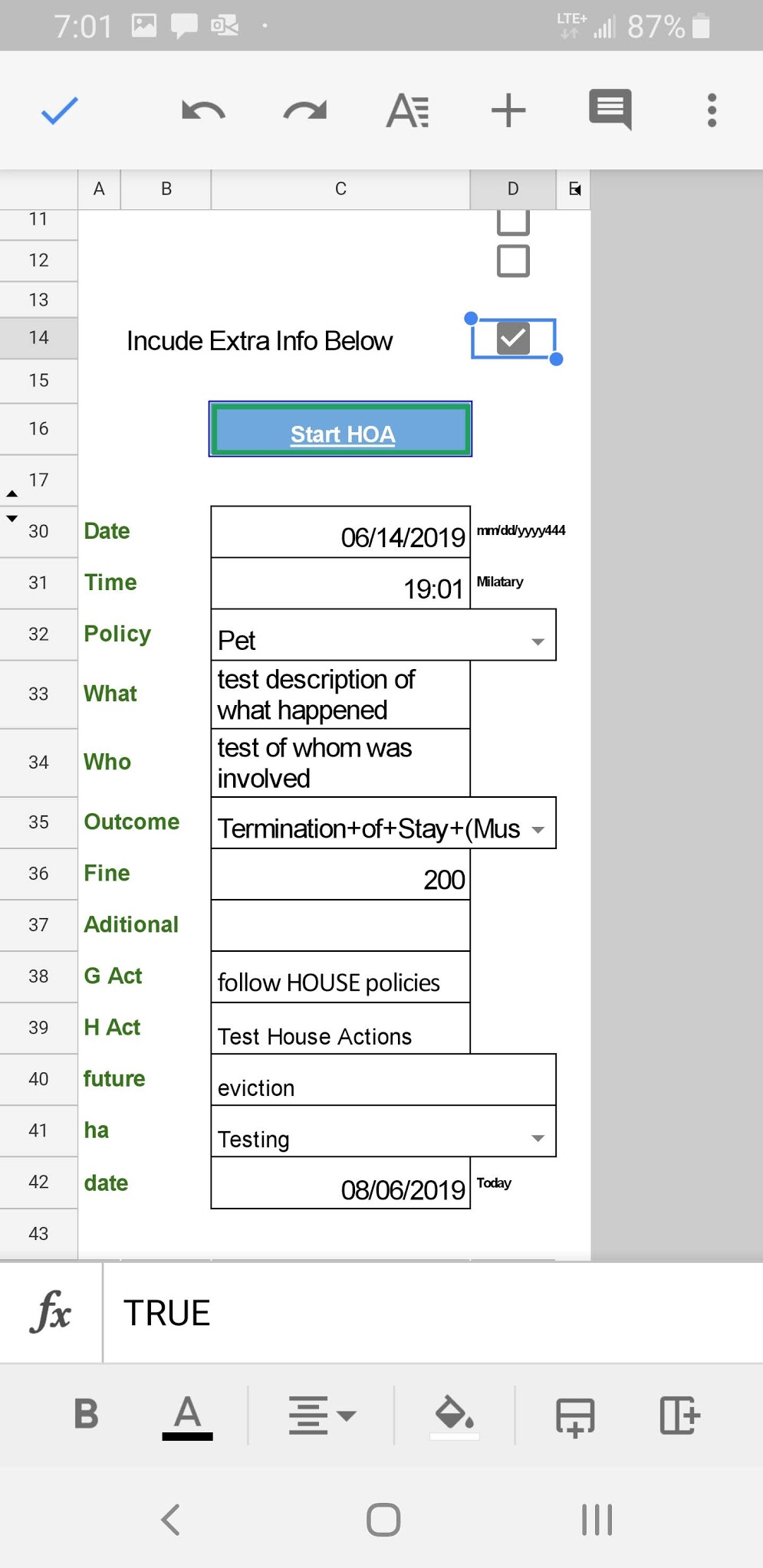
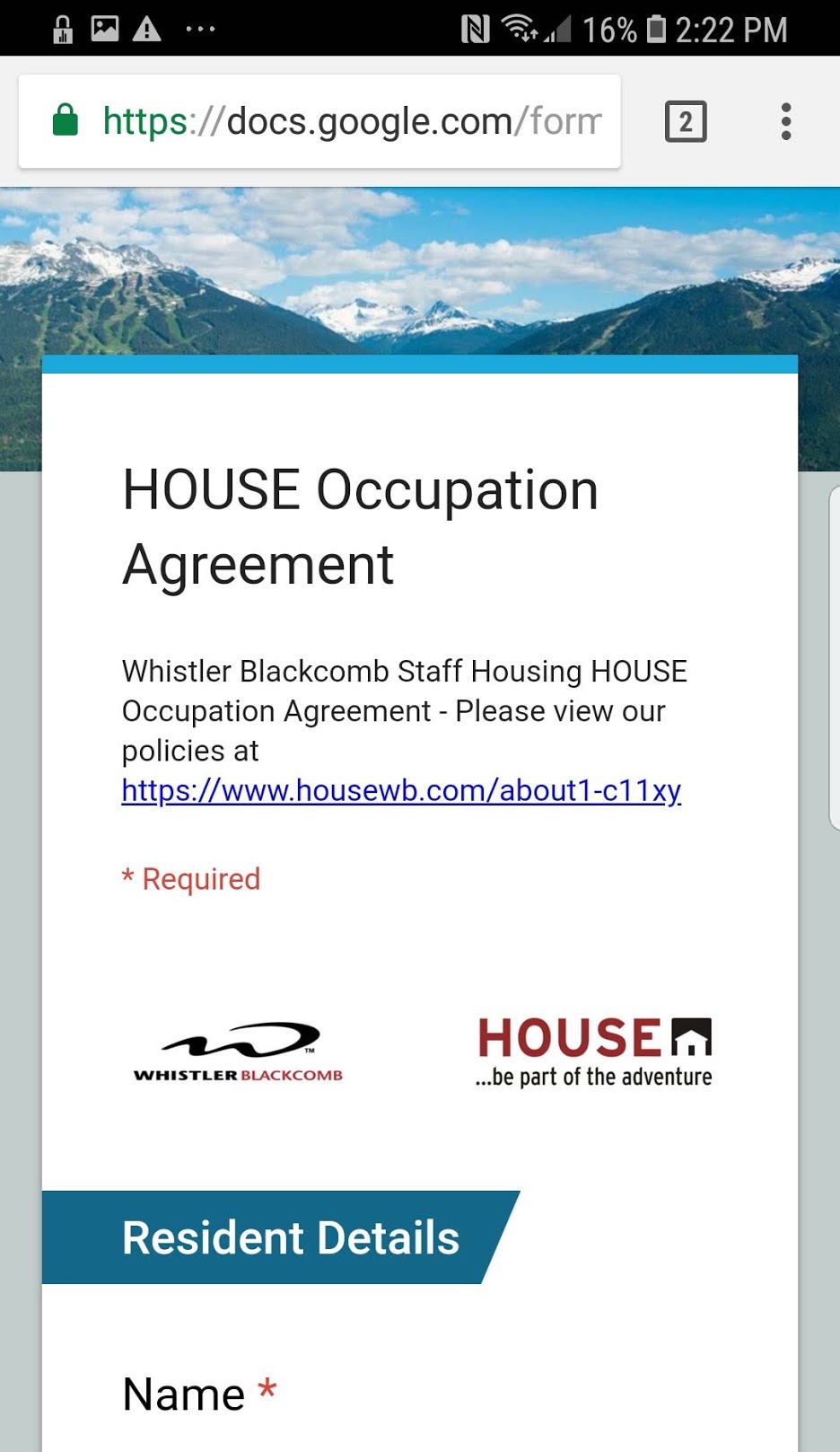
The HOA is a google form, which we preload from the Google Sheet Info. Go Info>HOA Starter and either use the info pre fill, or use the expanded option to fill out even more of the form - this is usefull when sending multiple similar HOA's prefil in the generic in Sheets and then make specific in the form.
This sheet may also start to show memory - like lockouts shows "This is the Xth time so and so has been locked out"
On submitting the form, Google processes the contents, in a method similar to mail merge, into a PDF and automatically emails the resident, and front desk, the email also moves itself to the HOA folder
In the future, we will have a stats page pulling data from the HOA sheet.
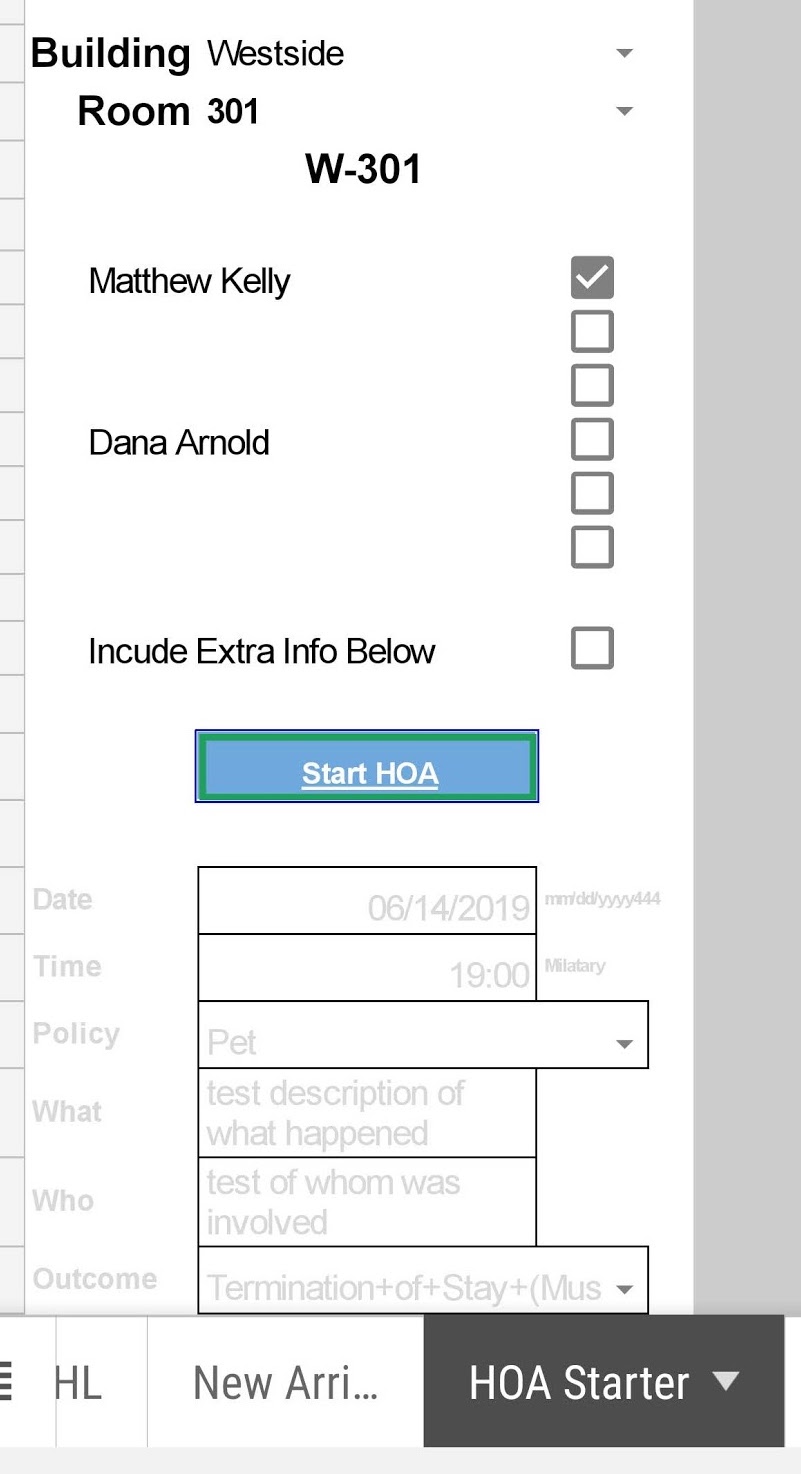
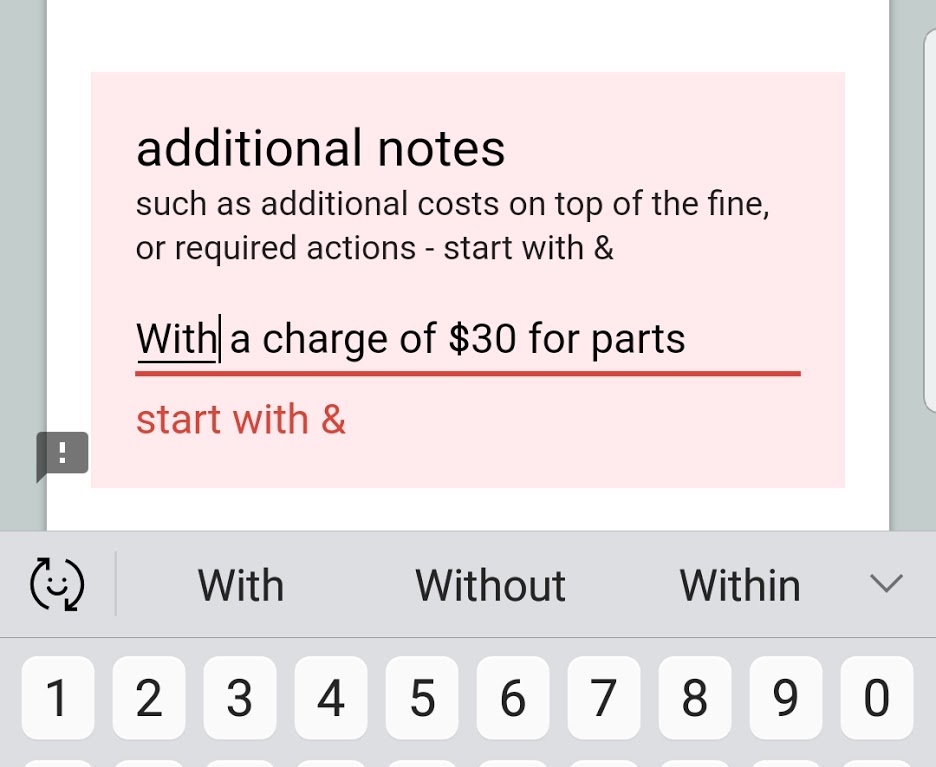
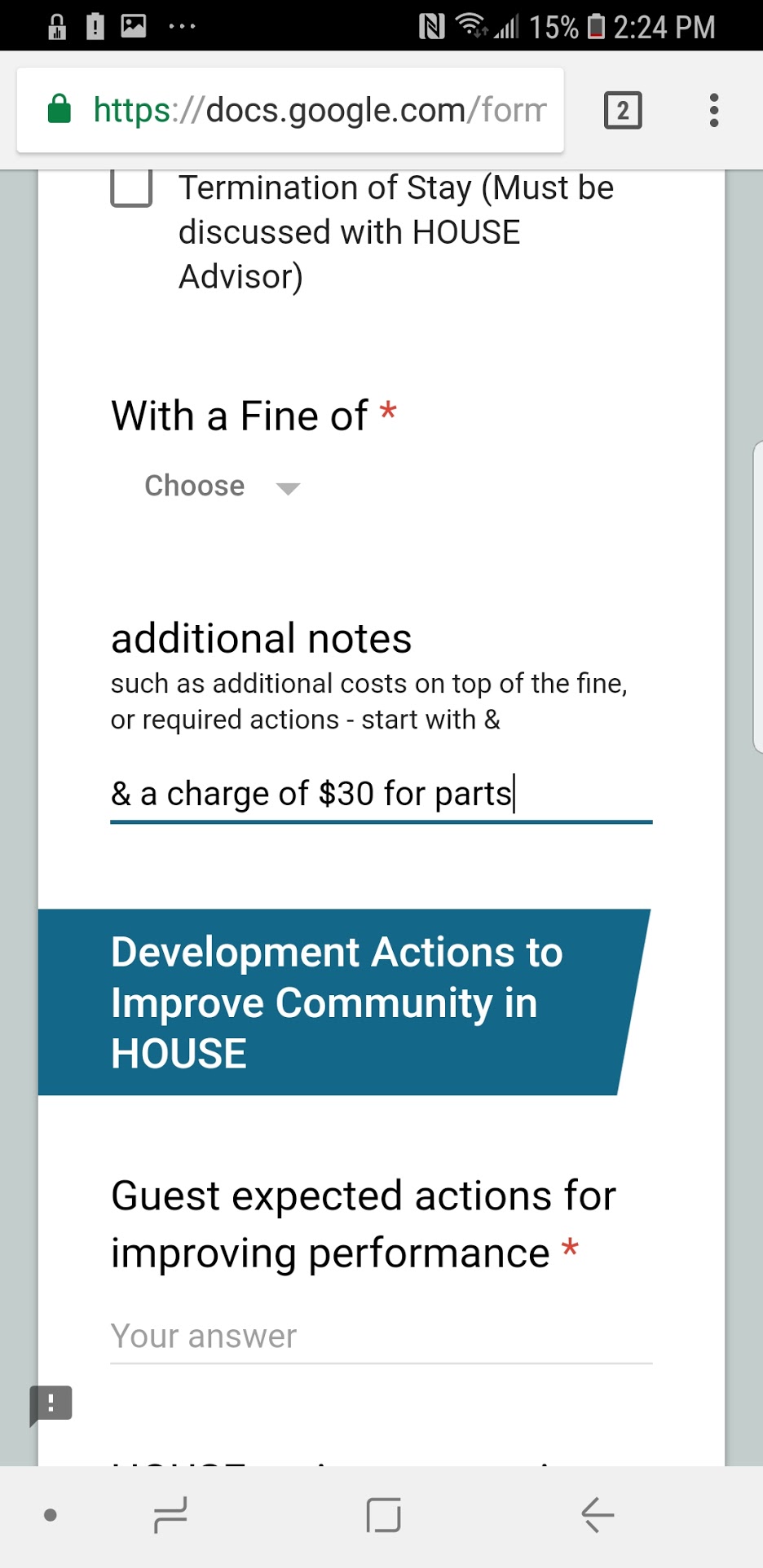
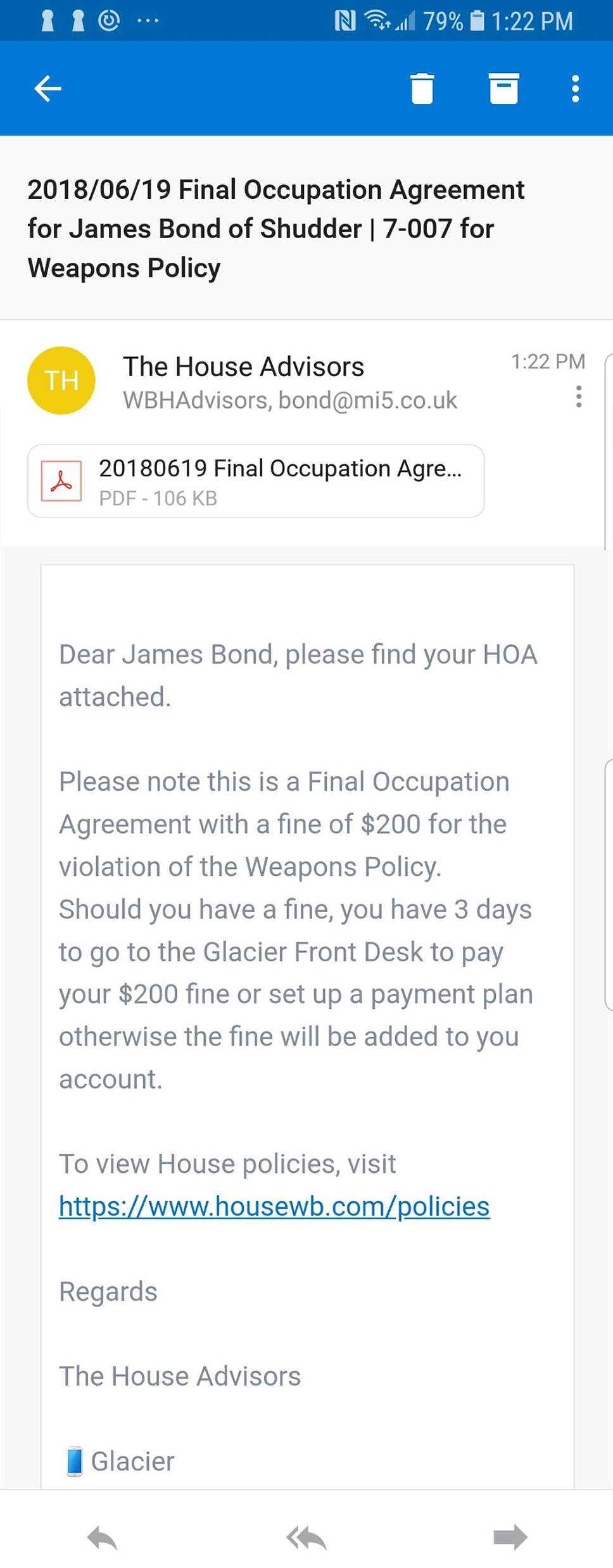
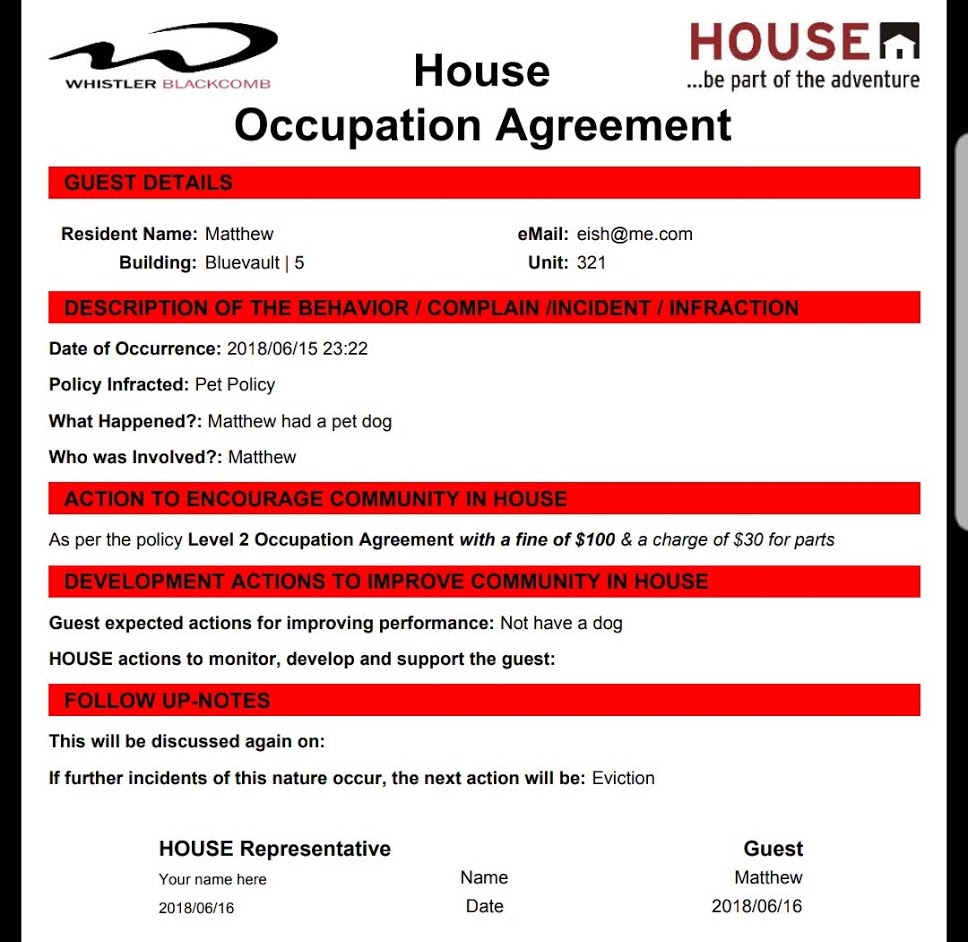
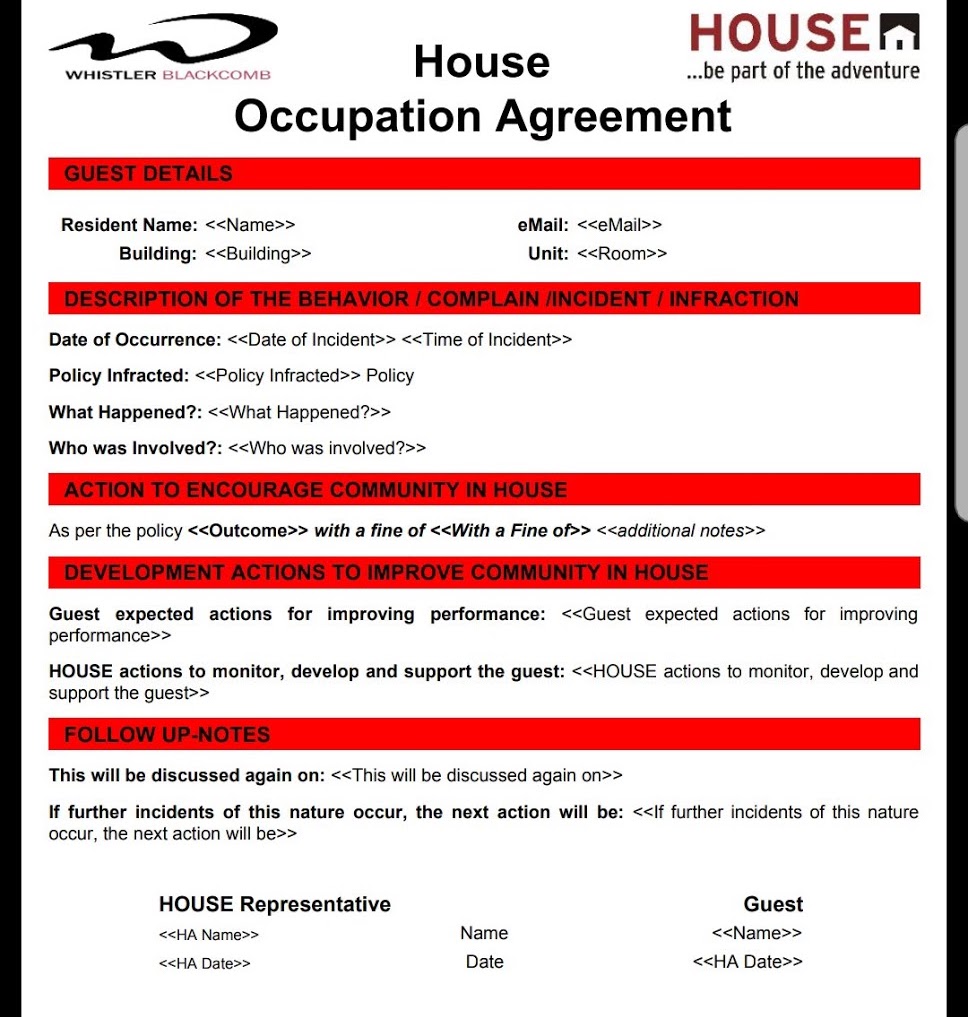
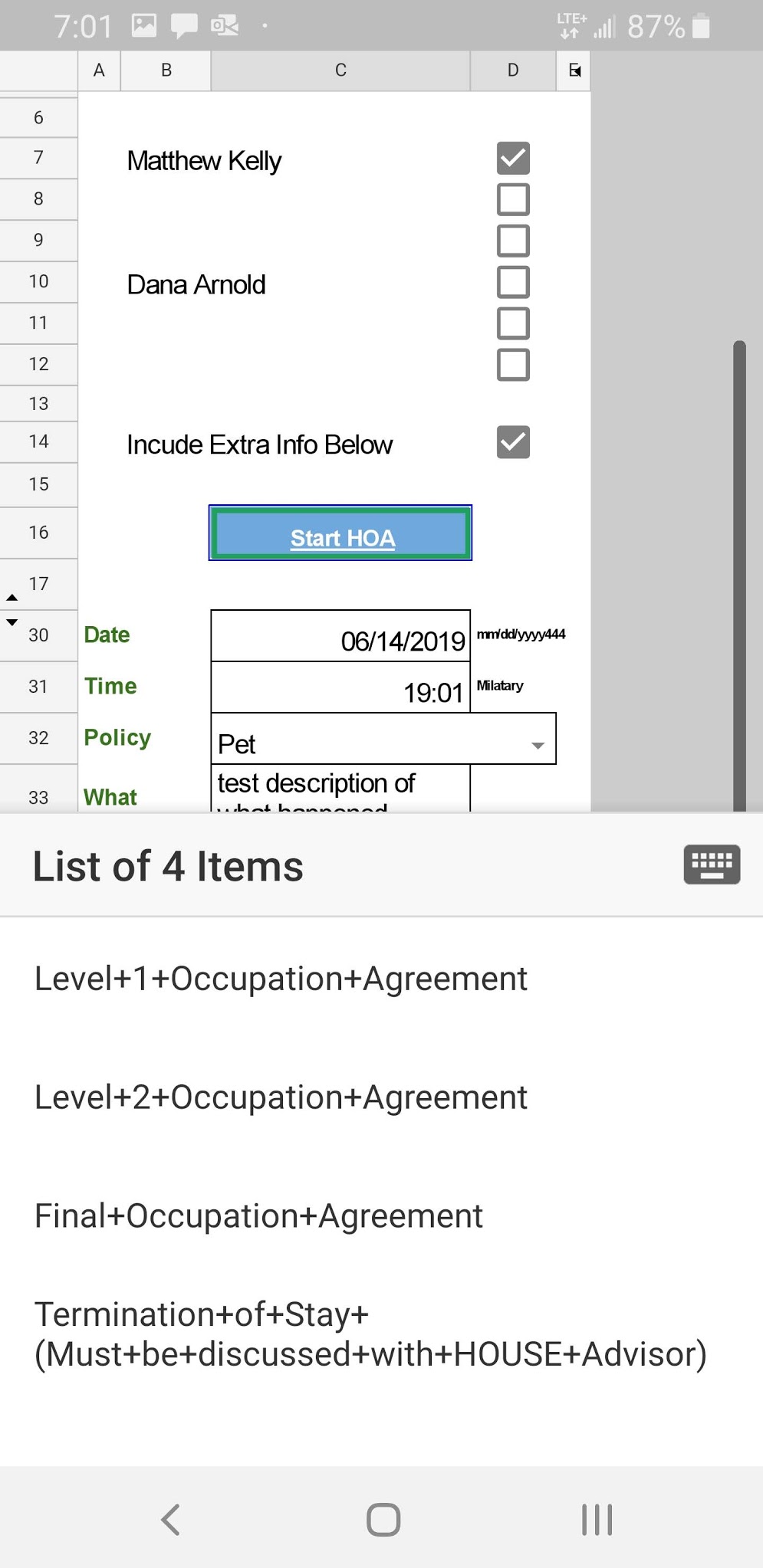
There is a way to partially prefill an HOA further from the Starter, by checking the "Include Extra Info Below"
On doing so the cells should change form grey to black text and any info in the boxes will transfer to the form
This does not automatically clear so any entries you dont want either have to be deleted in the sheet or in the form.
.
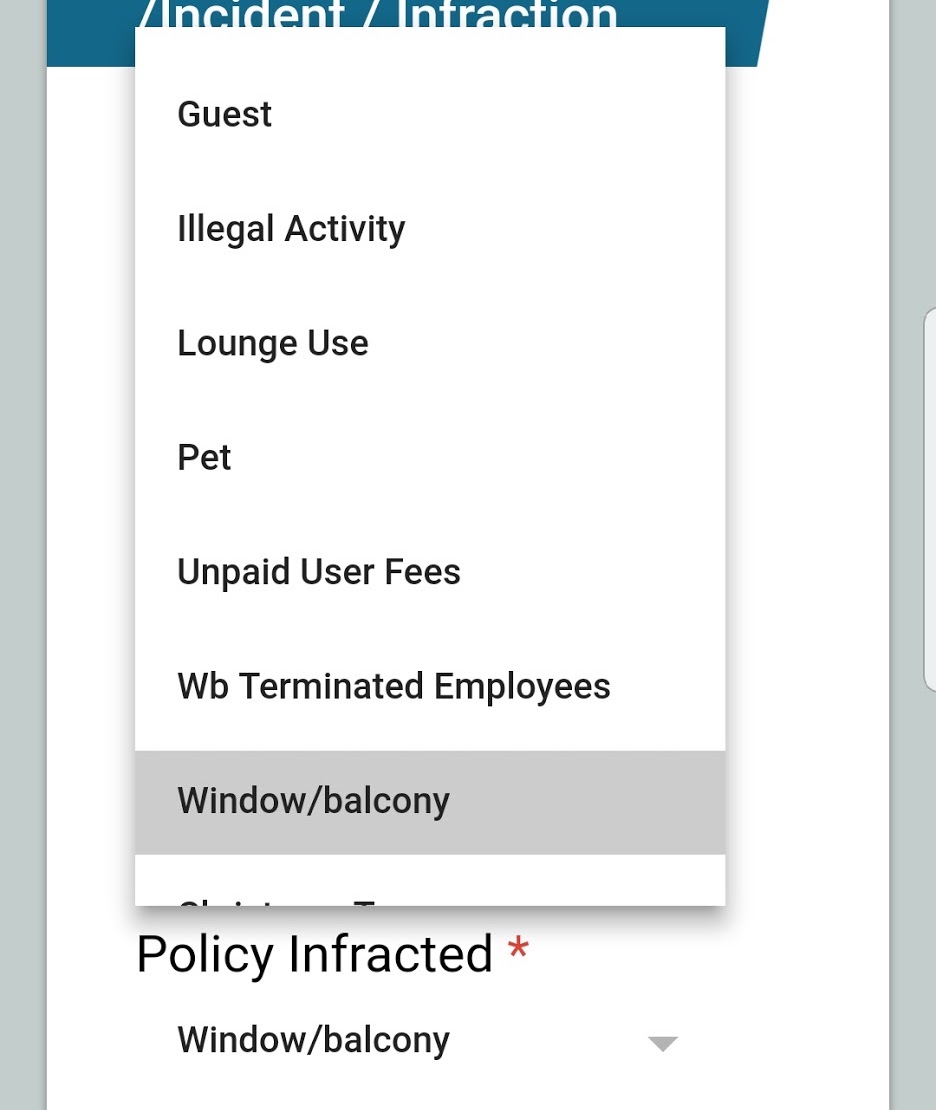
Checkbox/drop down quesitons in the form are dropdown in the sheet also.
 .
.